Pay bills on time using Xero accounts payable software
Automate and simplify bill payments with Xero - now including free standard ACH payments on all business plans to stay on top of your cash flow.*

All your bills, all in one place
Automate bill entry, streamline approvals and never miss a due date, helping save you time and get you a clearer view of your cash flow.
Capture bills effortlessly
Xero has smarter tools to automate bill entry for fast, accurate, paperless processing.
Take control of your bills
Assign roles, flag duplicates, and track due dates to help reduce errors, stay organized, and on top of payments.
Simplify payments
Pay multiple bills at once and automate reconciliation ensuring records are always up-to-date.
90% of customers agree Xero helps their business run more efficiently
*Source: survey conducted by Xero of 271 small businesses in the US using Xero, May-June 2024
Capture bills effortlessly, your way
Help save time and reduce the risk of manual errors using Xero accounts payable software for your US small business.
- Automate bill entry by uploading files directly to Xero or forwarding bills from your email. Xero's AI extracts the key details to create draft bills ready for approval.

Take control of your bills
Assign roles and permissions to control who can create and approve bills, improving security and accuracy.
- Detect and flag duplicate bills automatically to minimize fraud and payment errors
- Organize bills by status, add planned payment dates so your bills get paid on time, and set up repeating bills so you don't have to create them manually each time
- Maintain strong relationships with your vendors and never miss a payment

Simplify payments
Help save time on everyday admin.
- Create and print a check from Xero
- Export a payment file from Xero and upload it directly to your online banking to pay multiple bills in one go. Each supplier receives a single payment and reference and the bills are marked as paid in Xero
- Reconcile payments automatically in Xero ensuring your records are always up-to-date

Accounting software for your US small business
Run your business accounting online with Xero. Easy-to-use accounting software, designed for your small business.
- Everything in one place
- Connect to your bank
- Collaborate in real time
- Customize to suit your needs
Plans to suit your business
All pricing plans cover the accounting essentials, with room to grow.
Xero is fantastic. The last software we had was so expensive and hard to use
Colleen from Evansdale Cheese

Benefits of accounts payable software for small businesses
Accounts payable software simplifies managing business finances. Automated tools and improved workflows help save time and reduce errors.
Enhanced control
Assign user roles, flag duplicates, and organize bills by status to streamline your workflow.
Simplify payments
Pay multiple bills at once and automate reconciliation in Xero to help manage cash flow.
FAQs on paying bills
Use Xero AP software to pay multiple bills in one go. Select which bills you want to pay, create and export a payment file from Xero and upload it to your online banking.
Use Xero AP software to pay multiple bills in one go. Select which bills you want to pay, create and export a payment file from Xero and upload it to your online banking.
Sure, you can make copies of old bills in Xero to send as new bills. And you can set up repeating bills for specific suppliers – for as long as you need. Just add or amend the details as necessary.
See how to repeat and replicate billsSure, you can make copies of old bills in Xero to send as new bills. And you can set up repeating bills for specific suppliers – for as long as you need. Just add or amend the details as necessary.
See how to repeat and replicate billsAssign billable expenses to your suppliers when you enter a bill, a spend money transaction, or an invoice with Xero billing software. Choose the customer you want to assign the cost to, and get paid what you’re owed.
See how to add billable expensesAssign billable expenses to your suppliers when you enter a bill, a spend money transaction, or an invoice with Xero billing software. Choose the customer you want to assign the cost to, and get paid what you’re owed.
See how to add billable expensesOf course. Xero account payables software shows you all bills, credit notes, and overpayments owed with the Aged Payables Detail report. For an up-to-date view, run the report after entering purchases and reconciling your bank transactions.
See how to run the aged payables detail reportOf course. Xero account payables software shows you all bills, credit notes, and overpayments owed with the Aged Payables Detail report. For an up-to-date view, run the report after entering purchases and reconciling your bank transactions.
See how to run the aged payables detail reportWhen it comes to paying bills, software like Xero lets you easily track and manage all your bills. Xero puts all the information at your fingertips and helps you pay suppliers at the right time.
When it comes to paying bills, software like Xero lets you easily track and manage all your bills. Xero puts all the information at your fingertips and helps you pay suppliers at the right time.
Get one month free
Sign up to any Xero plan, and we will give you the first month free.
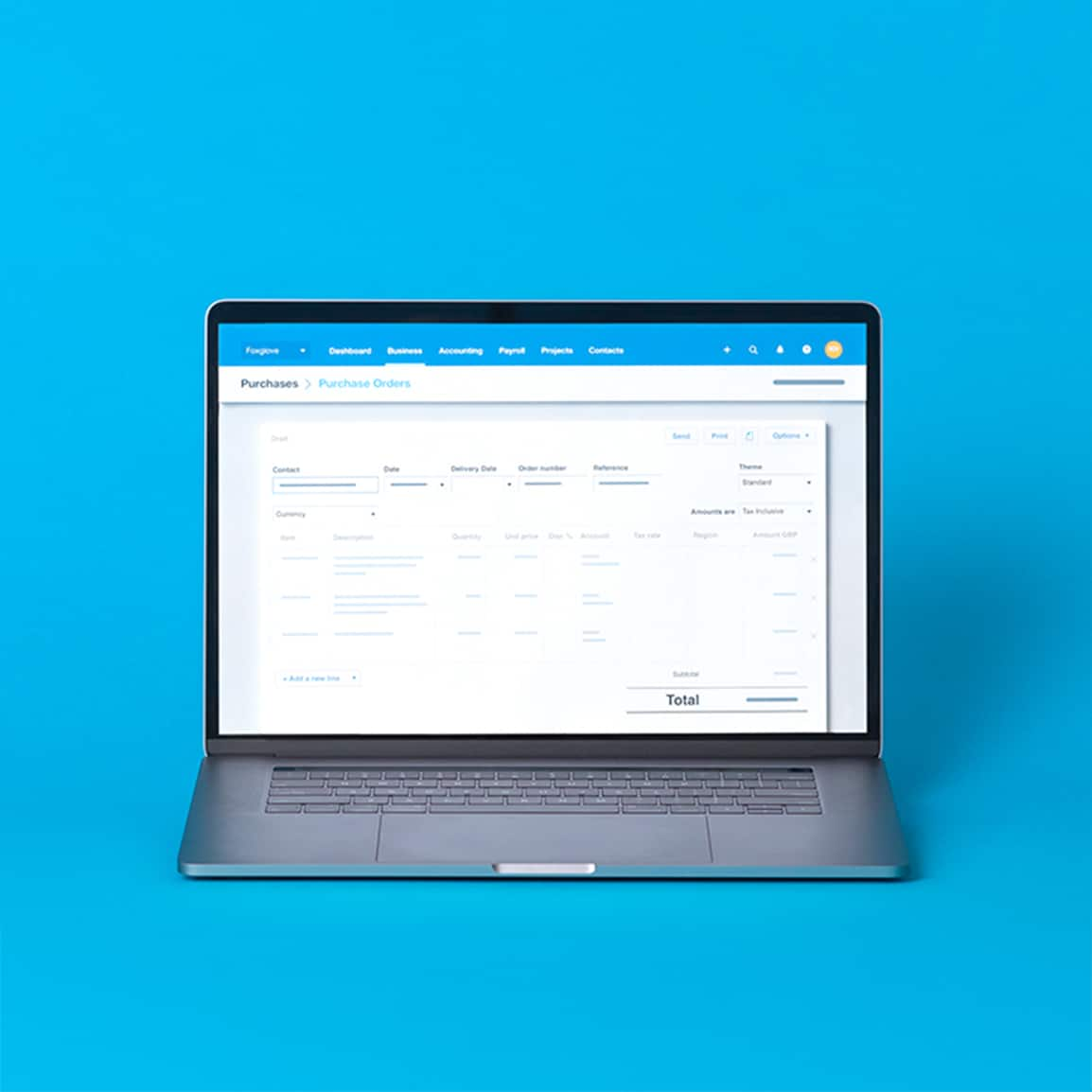
See how to pay bills efficiently
A video about bills! It’s better than it sounds.