Easy online invoicing software with Xero US
Want to speed up your billing? Use Xero’s templates to create invoices with less effort. Then send and track your online invoices in the Xero desktop software or Xero Accounting app before scheduling automatic reminders. Chances are, you’ll get paid sooner and spend more time on what you love.
Simple billing with digital tools
Xero’s online invoice software gives you fast, accurate workflows for your billing.
Create professional quotes and invoices
Customize Xero’s templates with your brand and payment terms.
Accept online payments
Let customers pay you online using popular US payment gateways, or settle bills on the spot with Tap to Pay.
Automate payment reminders
Chasing invoices? Set up automatic reminders to gently nudge your customers to pay on time.
Send invoices on the fly
Don’t wait until later to send invoices! Hop into Xero’s invoice app to quickly create and send them from your phone via email or SMS. The sooner you handle your billing, the sooner the cash hits your bank!
See when customers have viewed their invoices
Know for sure that your customer has opened an invoice. Manage your billing with confidence.
Get notifications when you’ve been paid
Don’t waste time worrying whether a customer has settled an invoice – get a message as soon as they pay.
Check for unpaid invoices
Easily spot unpaid invoices so you can follow up with customers.
Here’s more on Xero’s mobile invoicing software
It’s made a really big difference in keeping my finances organized
Nubian Skin use Xero to manage their business finances

Let AI-powered tools support your billing
For a forward-thinking way to handle your billing, check out JAX (Just Ask Xero). Ask the AI-powered tool to do the job for you – for example, say “Send an invoice to Raj for this week’s dog sitting”. Then just glance over the invoice before sending!

Automatic invoicing, your way
Xero’s custom invoice software lets you set up automations to your liking. Once you’ve saved the templates with your branding and payment terms, tell Xero how to support your billing process.
Recurring invoices
Send the same invoices every month? Just tell Xero when to create and send these for you, and it’s done – automatically!
Group invoicing
If you charge several clients the same amount, let Xero zip through all these invoices, too.
Auto fill
Add customer details just once when you’re drafting a customer’s first invoice – Xero auto-fills the details on every invoice after that.
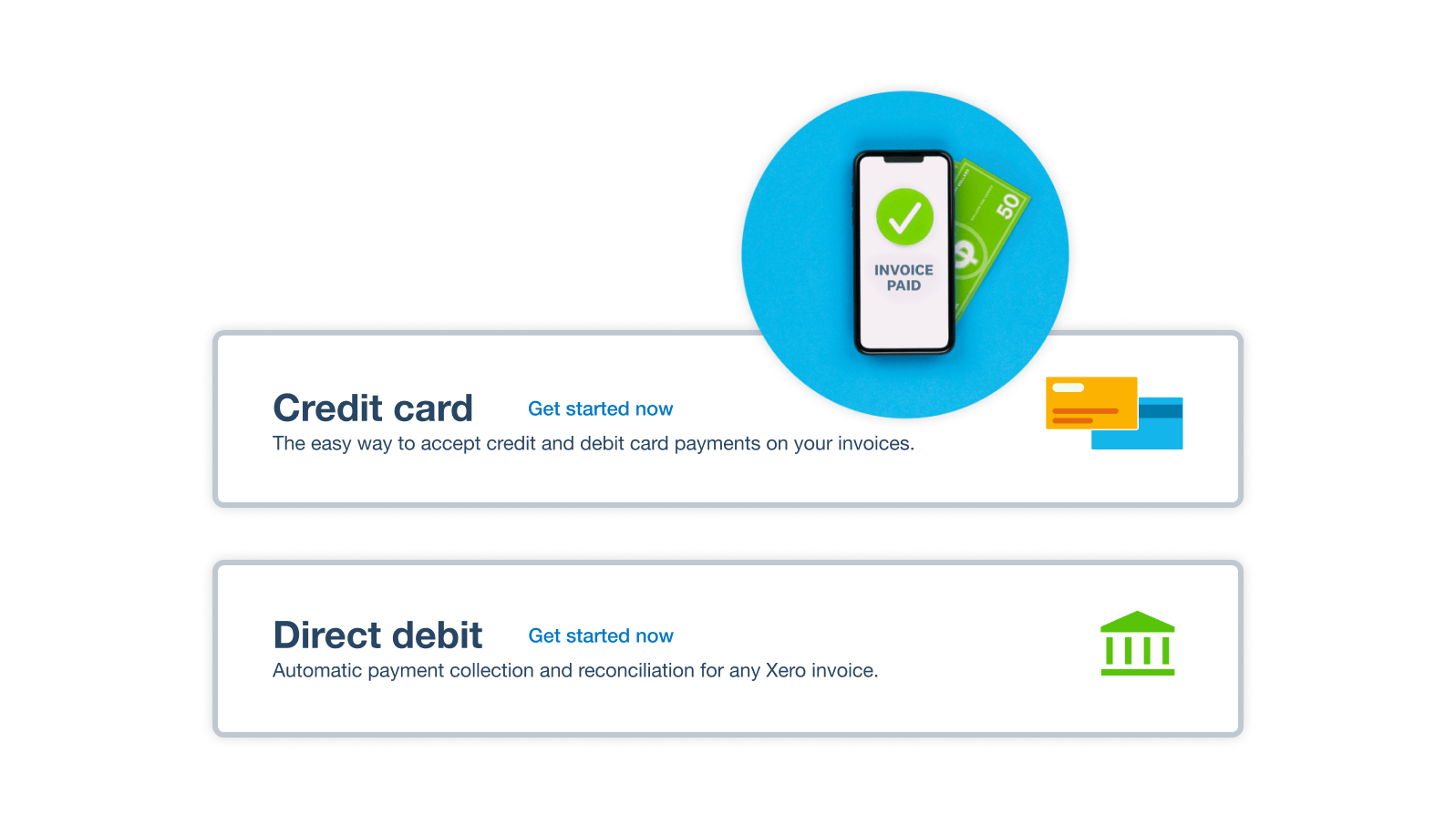
Add a Pay now button for happy customers
Make it super easy for your customers by adding a Pay now button to their invoices. After they click or tap it, Xero takes them straight to the payment page where they choose how to send the money. The result? They go through fewer steps and are more likely to pay you on time.
- Accept online payments including with credit card, debit card, ACH Debit, Apple Pay, and Google Pay
- Gain trust by using global payment providers like Stripe and GoCardless
- Only get charged a transaction fee when a customer pays you, not when you first set up online payments
Remind your customers automatically
When every late payment costs your business, ask Xero’s auto invoicing software to politely nudge your customers for you. That way, you avoid the awkward conversations while staying in full control of how you communicate.
- Choose how often to send reminders – daily or weekly, for example
- Message customers before or after the payment due date
- Keep track of when you sent reminders so you know when to schedule the next one

Plans to suit your business
All pricing plans cover the accounting essentials, with room to grow.
Early
Usually $25
Now $2.50
USD per month
Save $135 over 6 months
Growing
Usually $55
Now $5.50
USD per month
Save $297 over 6 months
Established
Usually $90
Now $9
USD per month
Save $486 over 6 months
FAQs on Xero’s invoice and accounting software
Xero doesn’t just help manage your quoting and invoicing – it’s a system for all your bookkeeping and accounting requirements. You can connect your business bank and checking accounts so your transaction data flows into your Xero organization every day. And Xero’s clever tools and features support your cash flow management, bill payments, data analytics, financial reporting, and more.
Here’s more on connecting your US bank feeds to XeroXero doesn’t just help manage your quoting and invoicing – it’s a system for all your bookkeeping and accounting requirements. You can connect your business bank and checking accounts so your transaction data flows into your Xero organization every day. And Xero’s clever tools and features support your cash flow management, bill payments, data analytics, financial reporting, and more.
Here’s more on connecting your US bank feeds to XeroYou can assign your team members specific permission levels in Xero accounting and invoice software, giving you full control over who can access different areas of your financial admin. For example, you can allow an employee to accept business expenses or run your payroll. And when anyone makes a change, Xero keeps a full audit trail so you know who’s responsible. As for security, Xero provides multiple layers of protection for your data.
Read up on security at XeroYou can assign your team members specific permission levels in Xero accounting and invoice software, giving you full control over who can access different areas of your financial admin. For example, you can allow an employee to accept business expenses or run your payroll. And when anyone makes a change, Xero keeps a full audit trail so you know who’s responsible. As for security, Xero provides multiple layers of protection for your data.
Read up on security at XeroYes! Xero lets you exchange e-invoices with other businesses and the government. This gives you a quick and secure way to handle your small business’s billing, massively reducing the need for manual data entry.
Find out more about Xero’s e-invoicing softwareYes! Xero lets you exchange e-invoices with other businesses and the government. This gives you a quick and secure way to handle your small business’s billing, massively reducing the need for manual data entry.
Find out more about Xero’s e-invoicing software
Invoice successfully with Xero
Every business owner needs a process for getting their invoices drafted, sent, and – most importantly – paid. Read our guide to master invoicing for small businesses.
Learn how to send great invoices
Accounting software for your small business
Businesses across the US choose Xero’s invoice and accounting software for its intuitive features and automations. You can zip through your financial admin, from sending invoices from your phone to organizing your expenses and numbers for the financial year-end.
- Work from anywhere with an internet connection and handle your admin where and when you want
- Collaborate with your accountant and team members in the cloud-based software
- Get up-to-date financial information in a few clicks, including business reports and data visualizations
Get one month free
Purchase any Xero plan, and we will give you the first month free.

See how invoicing online can simplify tasks
Probably the best invoicing video you’ll ever see.