Inventory management software with Xero in Australia
Stay super organised! Xero's inventory management system gives you precise info when you need it. Track stock levels in real time. Get insights into your sales patterns to improve your business strategy. And whizz through purchase order admin with the help of automations.
Nail your numbers with Xero's stock control system
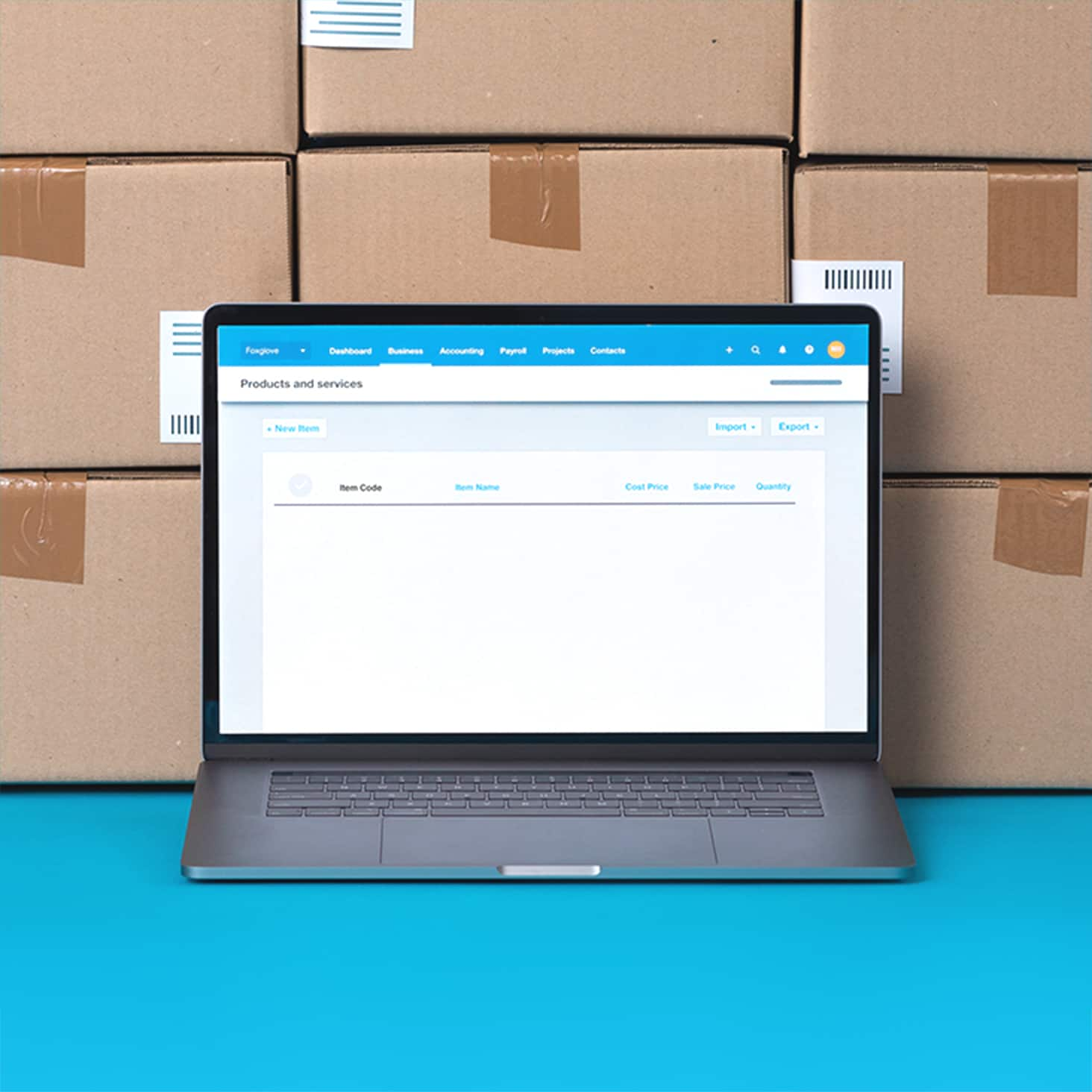
Xero brings all the items you buy and sell together in one place, so your inventory management is easier, quicker, and more precise.
Track your stock levels in real time
Xero automatically updates your stock levels as you add items to digital bills and purchase orders.
See what's selling
What's flying off the shelves? Spot your most popular – and highest earning – products. And know what to reorder.
Save time on your admin
Sit back as Xero fills in invoices and purchase orders with items you buy and sell.
I use Xero to keep track of my company's financial health
Xero helps Moovas make important business decisions

Sell confidently and avoid stockouts
No more inventory guesswork! Xero tells you exactly what stock you have available so you know what to buy and when. By optimising your reordering, you can boost your operational efficiency – not overspending on storage, for example – and manage your cash flow.
- Manage up to 4,000 finished items of inventory in one digital system
- Let Xero automatically update your stock levels as you add items to digital bills and purchase orders
- Manually update your stock levels if you need to – for example, in the case of spoiled produce or lost items

Discover opportunities in your inventory data
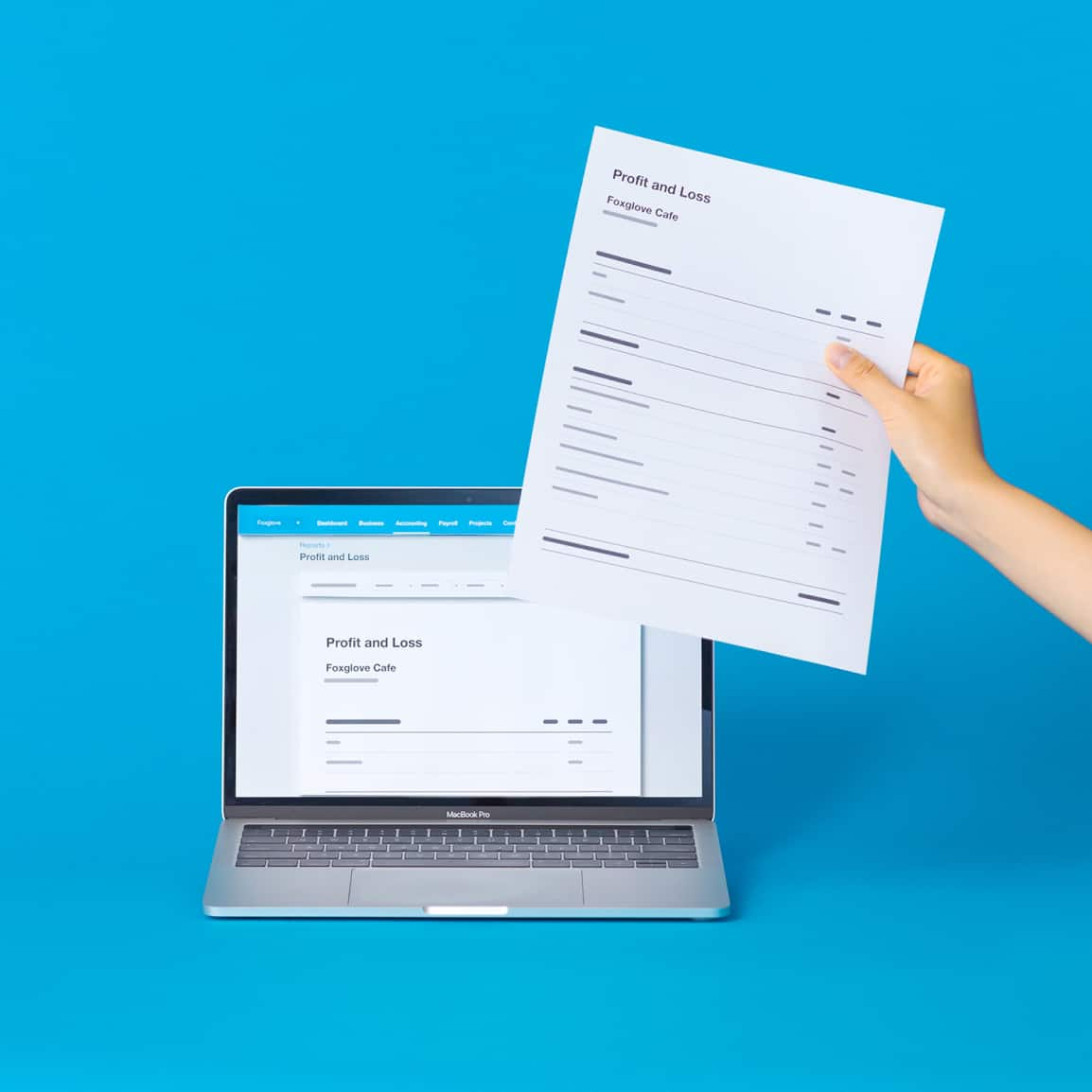
Want insights into your strategy? Xero helps you track your revenue and cash flow, then turn your financial data into reports and insights. Identify your top-selling items, understand patterns in your sales to prepare for seasonal trends, and empower your long-term plans.
- Get clear info on your stock quantities and track your profit with Xero reports
- Run a summary report to track your sales performance over a period you choose
- Use detailed reports and real-time stock insights to help track stock levels and make better stock decisions

Add items to invoices and purchase orders
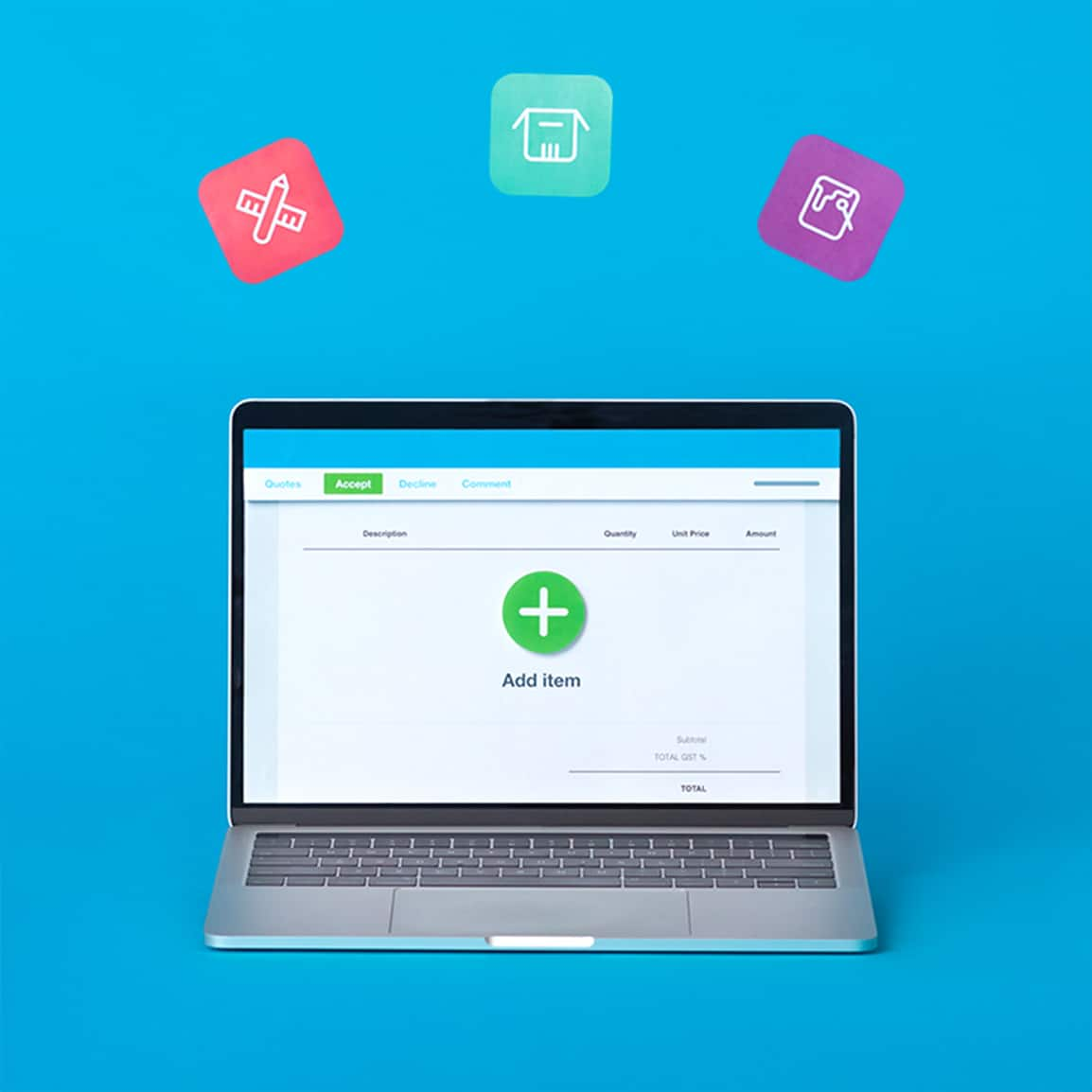
Use inventory listings to speed up your paperwork. Just list each item's description and price, then add the info to your quotes, invoices, and purchase orders again and again, instead of typing it in. Spare yourself admin every week!
- Save the details of items you regularly buy and sell in Xero's stock control system
- Add items to an invoice, quote, or purchase order – and let Xero prepopulate descriptions, prices, and tax
- Edit the auto-populated information as you go – if you've negotiated a lower price with a customer, say

Make confident decisions with joined-up data
Xero connects your accounting and inventory to create a unified inventory reporting system. Just made a sale? Accounting and inventory are connected in Xero in one simple-to-use system, so you can quickly see how changes in stock levels affect your cash flow.
- Access everything in one place
- Connect your business bank
- Collaborate in real time
- Customise to suit your needs
FAQs on Xero's inventory management software
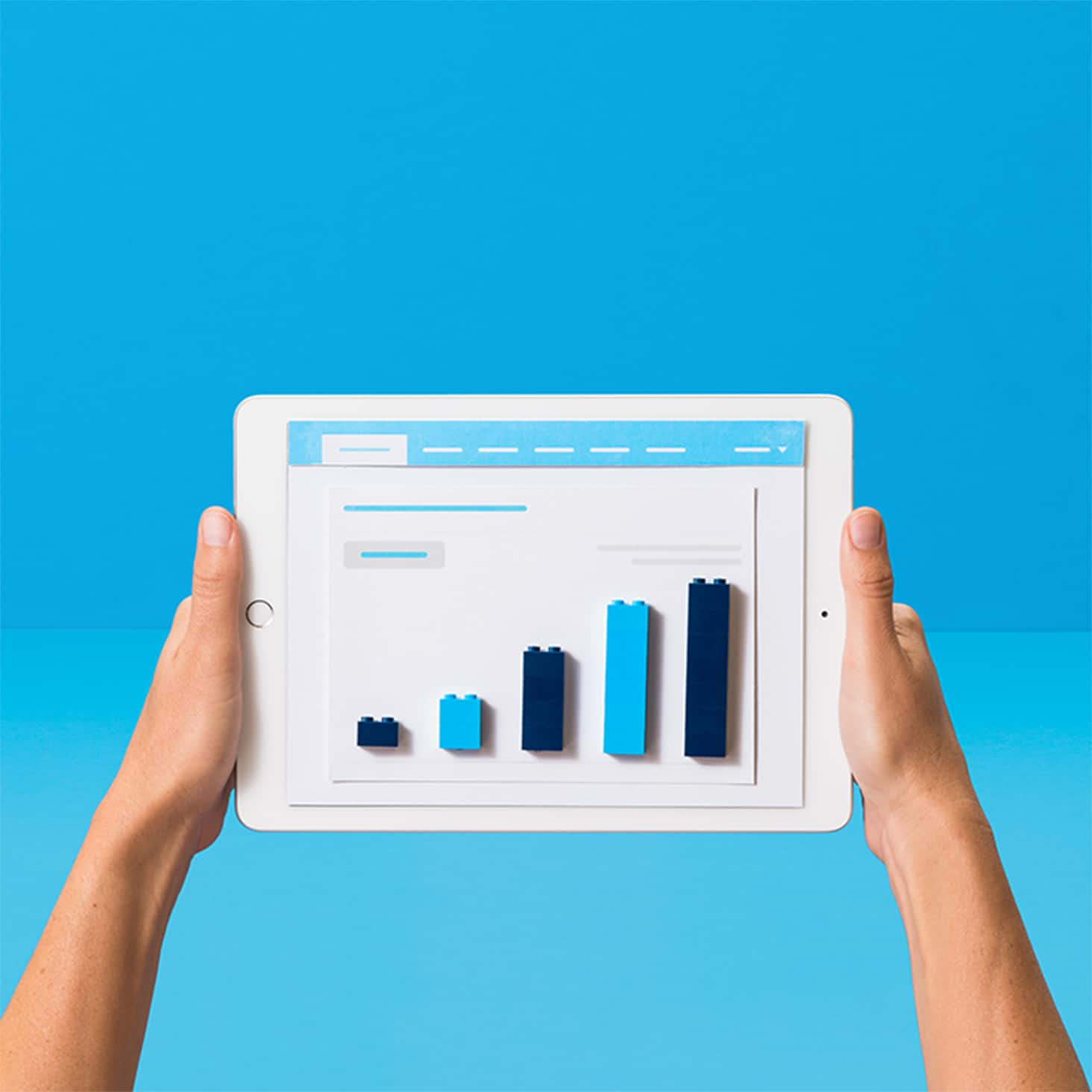
It depends. If you sell physical products, Xero can give you the detailed, on-time information you need to optimise their stock levels. By avoiding overstocking and missed sales, you can fine-tune your inventory processes and boost your profitability. Xero also turns raw sales data into charts and visualisations that help you spot patterns and opportunities. For instance, you can identify spikes in your summer sales and see which items sell fastest.
It depends. If you sell physical products, Xero can give you the detailed, on-time information you need to optimise their stock levels. By avoiding overstocking and missed sales, you can fine-tune your inventory processes and boost your profitability. Xero also turns raw sales data into charts and visualisations that help you spot patterns and opportunities. For instance, you can identify spikes in your summer sales and see which items sell fastest.
Xero's inventory management software automatically updates your stock levels as you add items to digital bills and purchase orders. You can also manually adjust your stock levels if items are lost or damaged. And because Xero works in the cloud, you can log in anywhere, anytime, to check what you have in stock.
Xero's inventory management software automatically updates your stock levels as you add items to digital bills and purchase orders. You can also manually adjust your stock levels if items are lost or damaged. And because Xero works in the cloud, you can log in anywhere, anytime, to check what you have in stock.
Yes! Xero gives you real-time visibility of your stock levels, so you always know exactly what you have available and what needs reordering. For times when you're away from your desk, you can use Xero on your phone and tablet.
Yes! Xero gives you real-time visibility of your stock levels, so you always know exactly what you have available and what needs reordering. For times when you're away from your desk, you can use Xero on your phone and tablet.
For sure. Xero connects with a wide range of third-party apps through the Xero App Store, so you can add extra tools as your needs change. For instance, if you expand your inventory to more than 4,000 finished items or want to sell on ecommerce channels, it's easy to connect a third-party app to your Xero organisation. All your data flows between Xero and any apps you add, so your numbers stay up to date.
For sure. Xero connects with a wide range of third-party apps through the Xero App Store, so you can add extra tools as your needs change. For instance, if you expand your inventory to more than 4,000 finished items or want to sell on ecommerce channels, it's easy to connect a third-party app to your Xero organisation. All your data flows between Xero and any apps you add, so your numbers stay up to date.
Xero is commonly used in retail, wholesale, manufacturing, and other product-based industries where accurate stock tracking is essential.
Xero is commonly used in retail, wholesale, manufacturing, and other product-based industries where accurate stock tracking is essential.
The best inventory system depends on your business size and complexity, but as your product range or sales volume grows, Xero's inventory management software with real-time tracking offers better accuracy and control than manual methods.
The best inventory system depends on your business size and complexity, but as your product range or sales volume grows, Xero's inventory management software with real-time tracking offers better accuracy and control than manual methods.
Plans to suit your business
A learning resource for your inventory
Successful small businesses keep a close watch on their inventory. This Xero guide teaches you about the key areas.
What is inventory management software?
It's a platform that tracks business inventory online, including item quantities, values, and sales data.
How do I use inventory management software?
You can import and export data, track key inventory metrics, create invoices and orders, and monitor sales.
What are the benefits of inventory management
You have more control and oversight of your stock, with fewer mistakes and less time-consuming manual admin.
Start using Xero for free
Access Xero features for 30 days, then decide which plan best suits your business.
See how to monitor stock in real time
This is what Xero inventory management system looks like.
Set up your Xero inventory management software
Xero Central has plenty of technical resources to get started.
Adjust your inventory balance
Make an inventory adjustment to update stock quantities for tracked inventory items.
Import items to your stock system
Add items to your inventory in Xero as a CSV file – all in one go.
Manage your inventory with Xero
Search, track, archive, and edit or delete inventory items, all from your device.